Advertisement
Click to download now, finish the installation quickly, and directly unlock the all-round experience
Advertisement
Screenshots
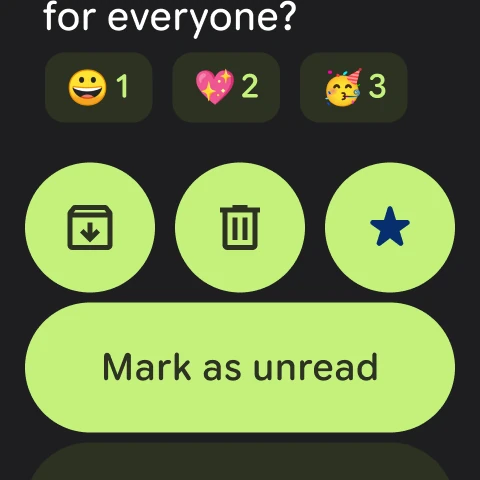
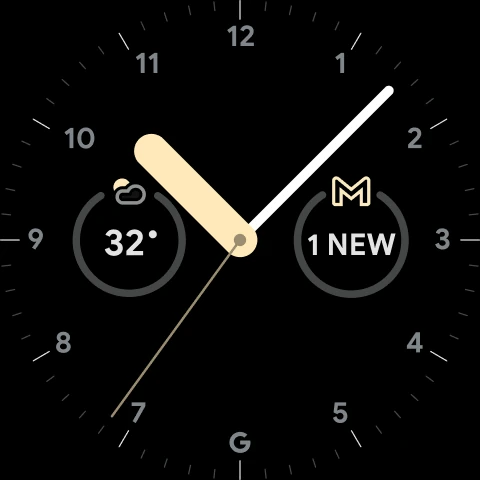
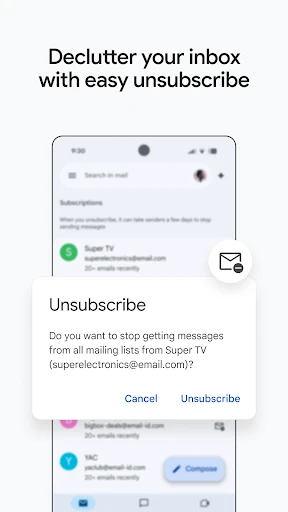
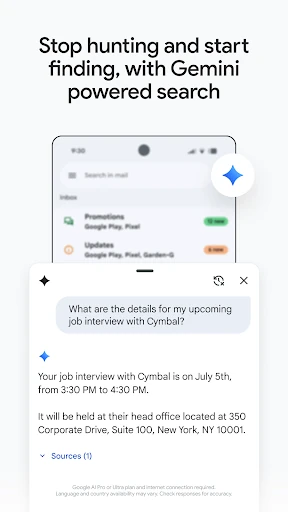
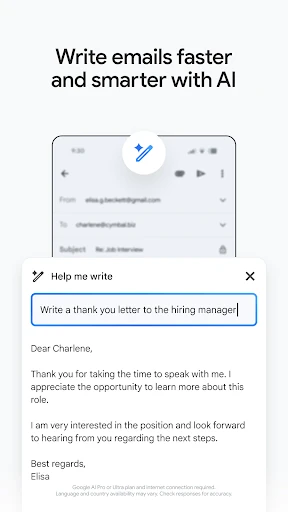
Click to download now, finish the installation quickly, and directly unlock the all-round experience
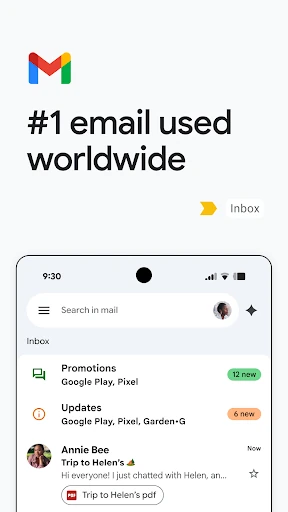
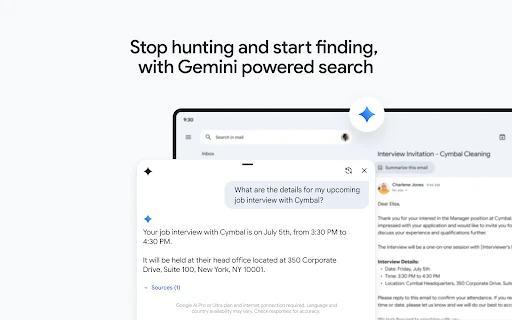
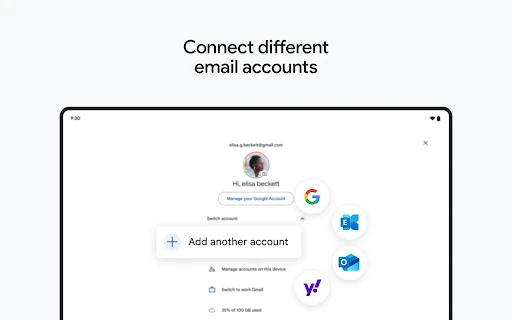
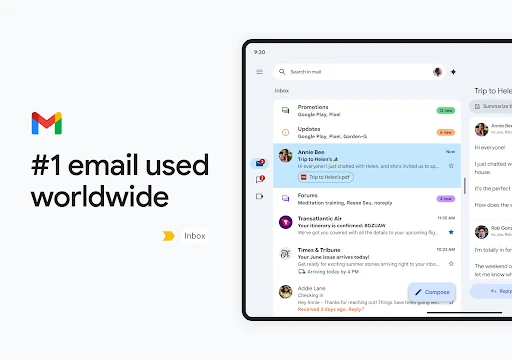
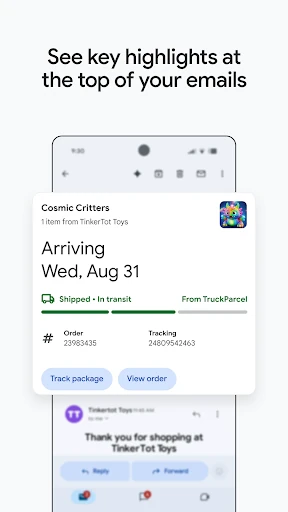
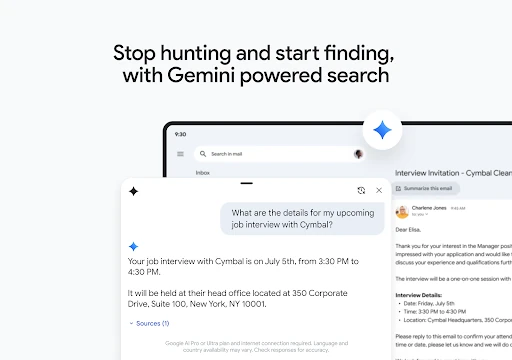
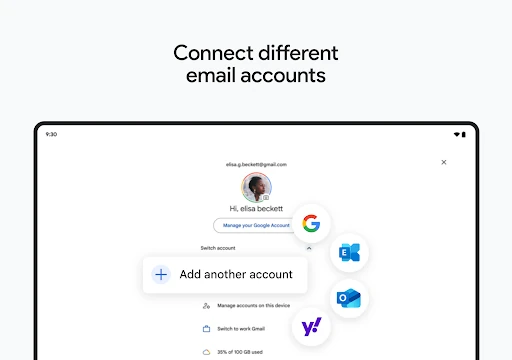
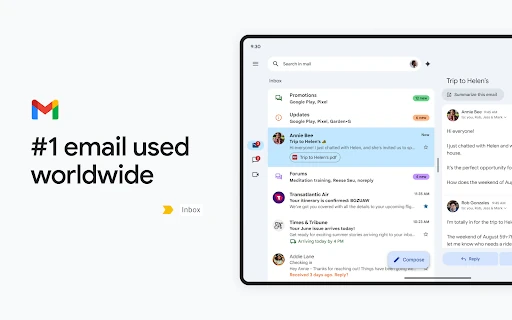
Gmail is Google’s email app for reading, sending and organising messages on Android. It suits people who use a Google account for personal or work email, and can also bring other email accounts into one inbox. Search, labels and message folders help when you need to find or sort older mail.
You can use Gmail’s core email features without paying for the app. Google account storage is shared across services, so a full account can affect your ability to receive or save messages. Getting more storage may require a paid Google plan; that is separate from paying for Gmail itself.
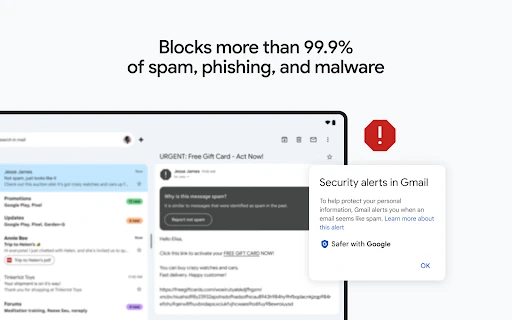
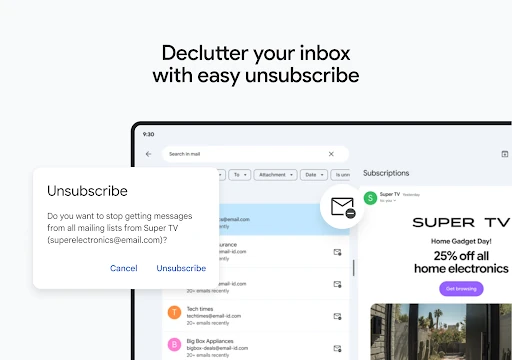
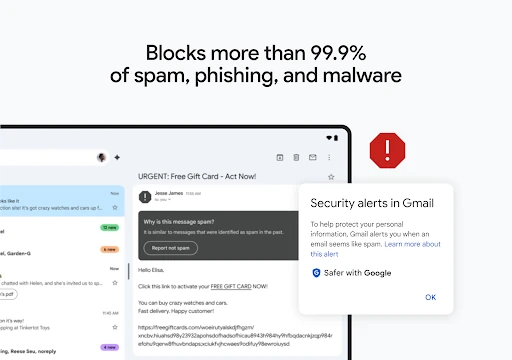
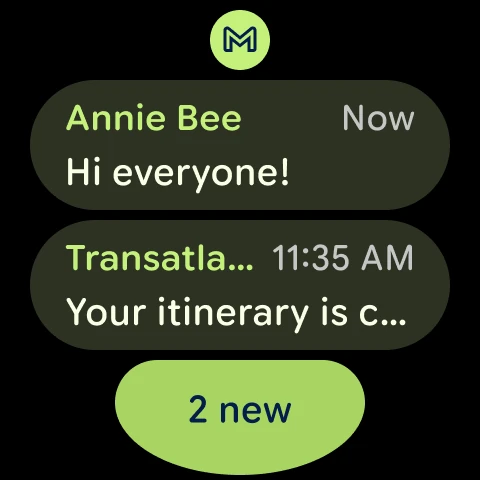
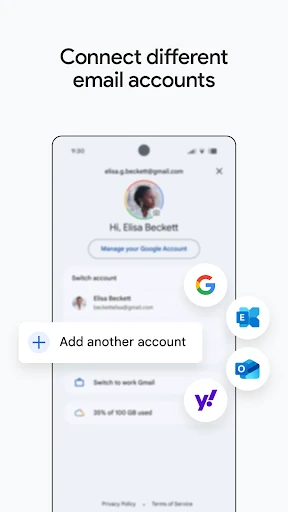
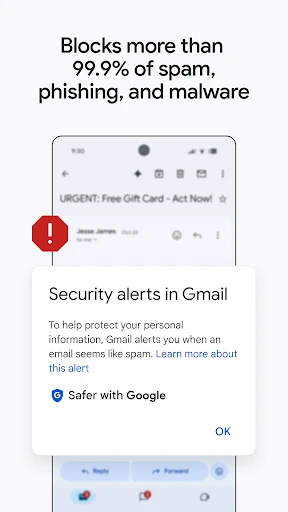
Gmail filters spam and can sort messages into categories, but that sorting may not match how you prefer to manage an inbox. Promotional messages and sponsored entries may appear in the Promotions tab, depending on your settings. If you add several accounts, switching between them and keeping notifications under control can take some adjustment.
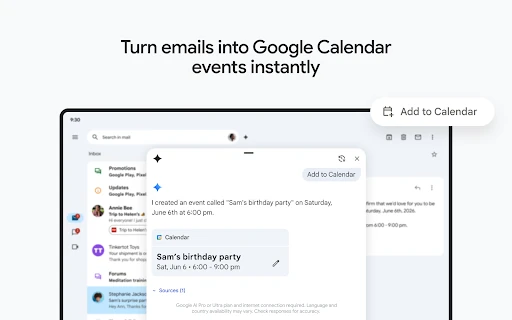
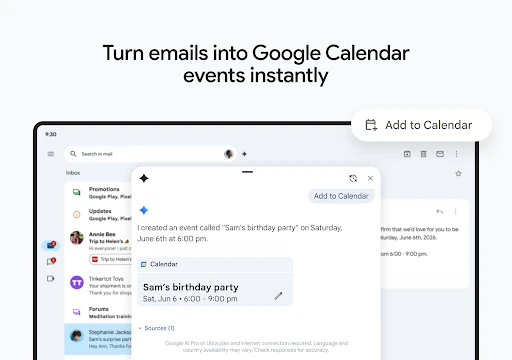
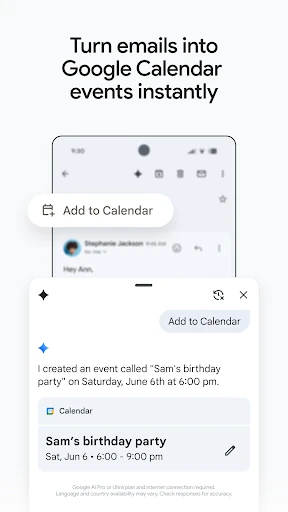
The app also connects with other Google services, which can be useful if you already use them, but adds options beyond basic email. You can ignore those extras and use Gmail mainly as an inbox.
Gmail is a practical choice for people who want email tied to a Google account, strong spam filtering and search across a large mailbox. It has a 4.1 rating from about 14.2 million reviews and more than 10 billion installs. The developer is Google LLC.