Advertisement
Click to download now, finish the installation quickly, and directly unlock the all-round experience
Advertisement
Screenshots
Click to download now, finish the installation quickly, and directly unlock the all-round experience
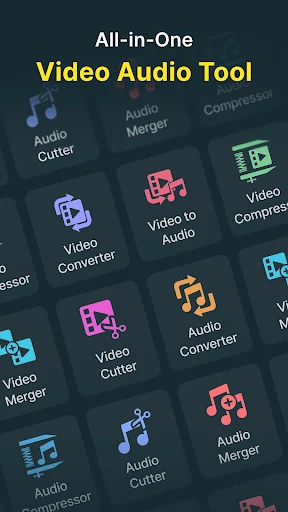
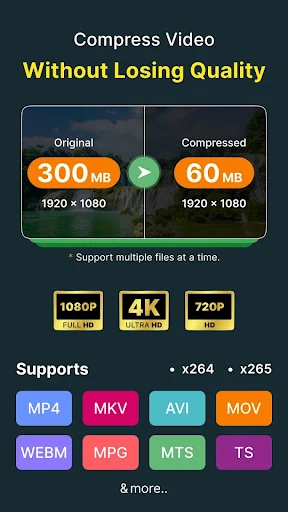
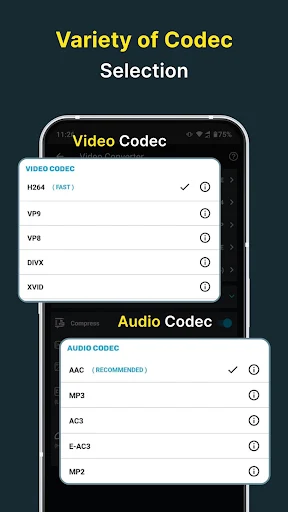
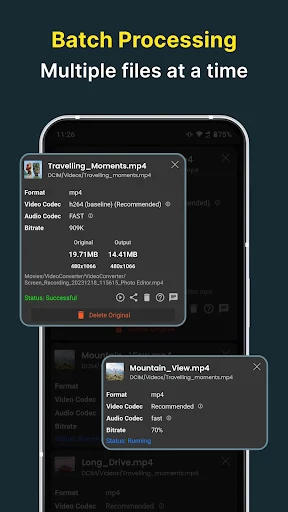
Video Converter, Compressor by Inverse AI is a media utility for people who need to change a video’s format or size, extract audio, or make basic edits. It supports a wide range of video formats, including MP4, MKV, AVI, MOV, WEBM and WMV, and can convert video to audio formats such as MP3, WAV, AAC and FLAC.
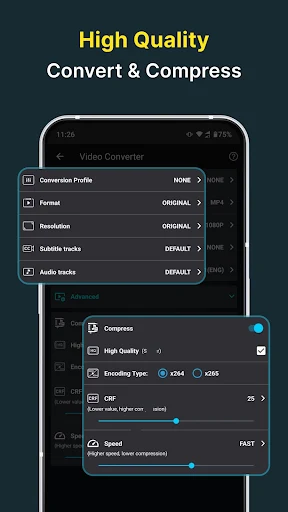
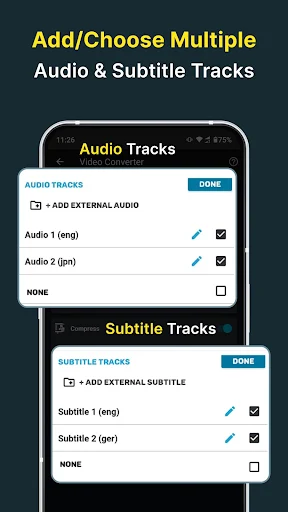
It suits someone who wants control over the output rather than a single automatic setting. You can choose a resolution, frame rate and bitrate, and select audio or subtitle tracks where available. Compression options include a quality-focused setting and setting a video bitrate to target a specific size.
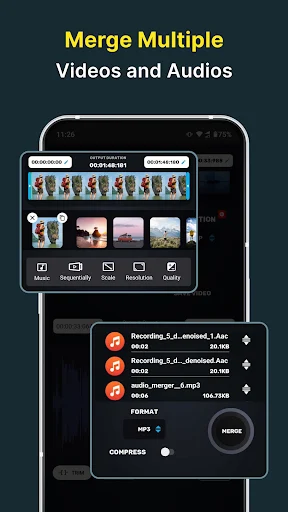
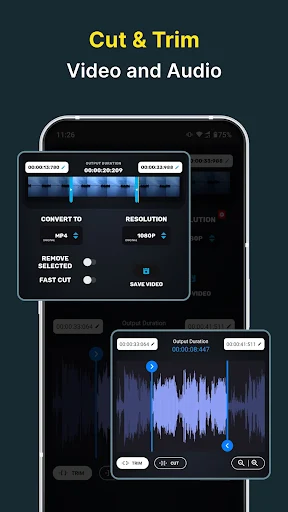
The app also cuts or trims video, with precise start and end times, and can join multiple clips. Merged videos can be arranged in sequence, top-to-bottom or side-by-side. For audio, it offers conversion and compression as well as cutting and trimming. These tools make it useful for a few common file-preparation jobs, though the range of choices may feel like more than you need if you only want a quick format change.
The supplied listing information does not establish whether the app has ads, in-app purchases or a paid feature gate, so check its Google Play listing for current cost details before relying on it as a free tool. The feature list also does not promise that every conversion will be quick or produce a smaller file: results depend on the source and the settings you choose.
Video Converter, Compressor has a 4.5-star rating from about 215,950 ratings and more than 10 million installs. Those figures indicate broad use, but they do not tell you whether its controls fit your needs. If you want format, size and basic editing options in one utility, its feature set is worth comparing with the simpler tools on your device.