Advertisement
Click to download now, finish the installation quickly, and directly unlock the all-round experience
Advertisement
Screenshots

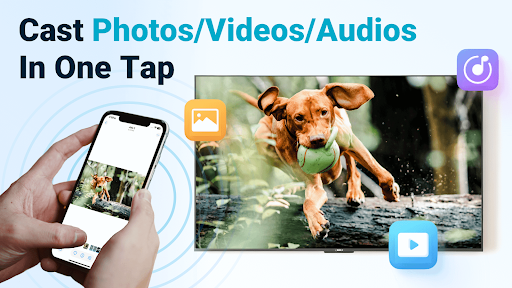
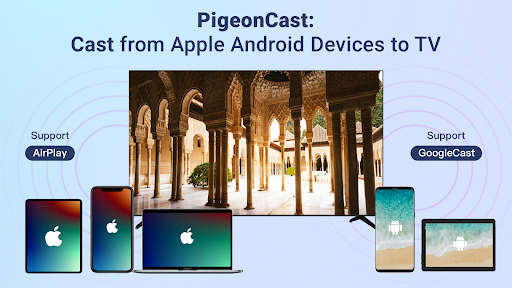
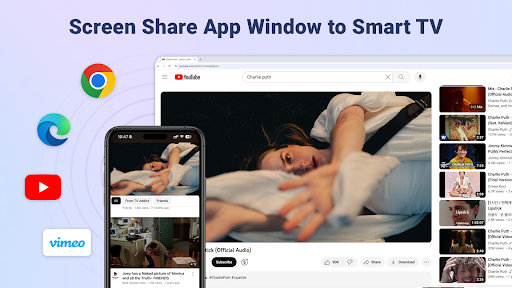

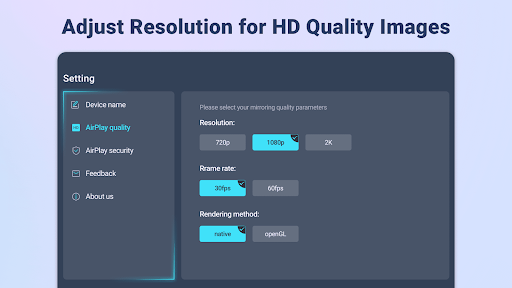


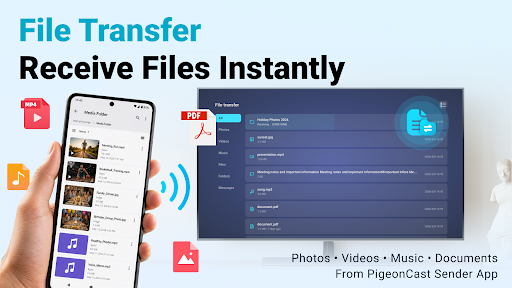
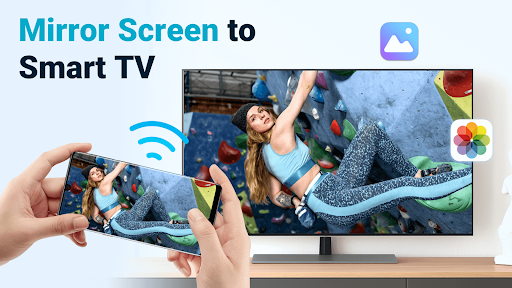
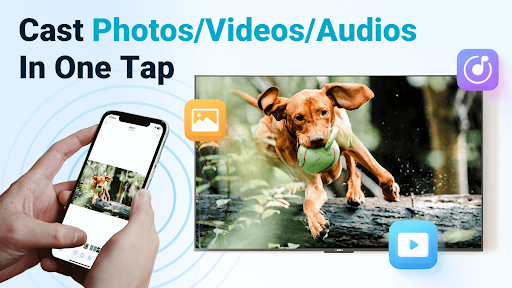
Click to download now, finish the installation quickly, and directly unlock the all-round experience
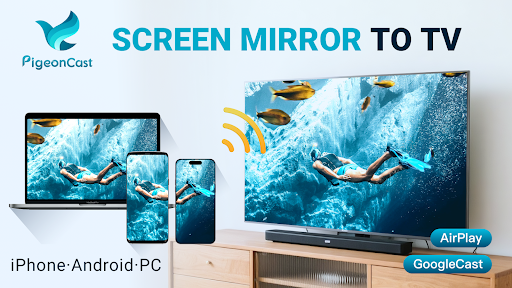
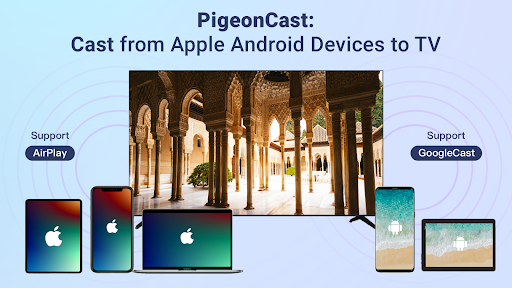
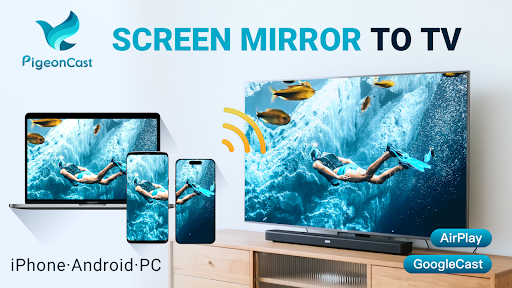
PigeonCast: TV Cast & Mirror is a screen-casting receiver: it is designed to let a compatible TV receive mirrored screens and media sent wirelessly from other devices. The listed source platforms include iPhone and iPad, Android phones and tablets, Windows PCs, and Macs. It also supports receiving content through AirPlay, Google Cast or Chromecast, and DLNA-compatible connections.
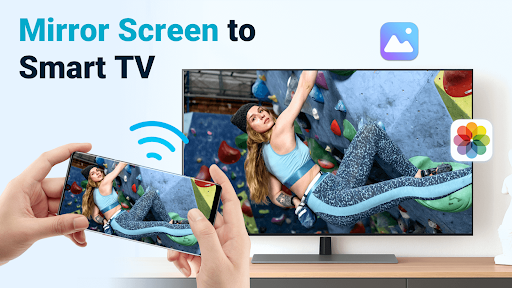
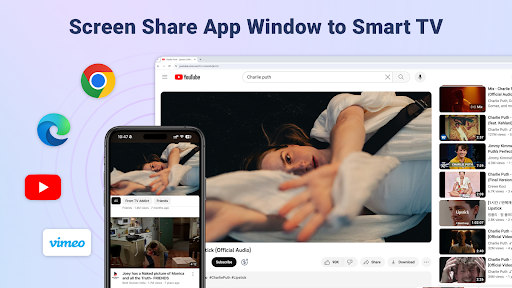
That makes it worth considering if you want to show a phone screen, photos, videos, or music on a larger display, or use a TV for a presentation or shared viewing. It is a receiver, not just a tool for browsing videos on your phone and sending them to a TV.
The main question is whether your TV or connected device can act as a receiver supported by PigeonCast. The listing names Android TV, Chromecast, Apple TV, Roku, and several smart-TV brands, including Samsung, LG, Sony, TCL, Xiaomi, and Vizio. Compatibility can depend on the specific model and connection method, so check your device before relying on it for a meeting or family event.
PigeonCast has 500,000+ installs and a rating of about 4.0 from 7,539 ratings. That gives some indication of its reach, but does not guarantee it will work with every TV or network setup.
The supplied information does not confirm whether the core features are free, whether there are in-app purchases, or whether ads appear. Check the Google Play listing for those details before choosing it; a free install does not necessarily mean every feature is free or uninterrupted.
For casting, both the sending device and the TV-side receiver need to support a compatible method. Different platforms use different casting standards, so a connection that works from one phone may not work the same way from another. If you need dependable mirroring for a specific device, verify that combination first.