Level Tool App
Mystic Mobile Apps GPS Tools
Downloads
100,000+
Source
Google Play
Advertisement
Click to download now, finish the installation quickly, and directly unlock the all-round experience
Advertisement
Screenshots
Click to download now, finish the installation quickly, and directly unlock the all-round experience
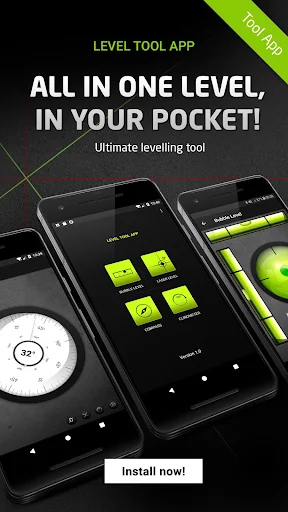
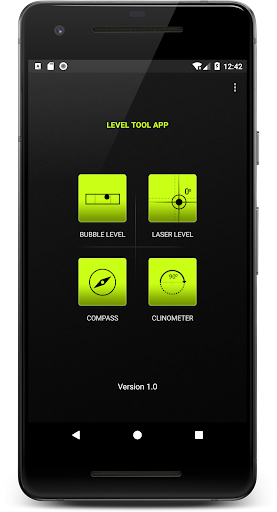
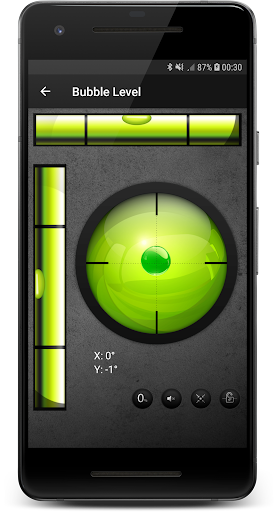
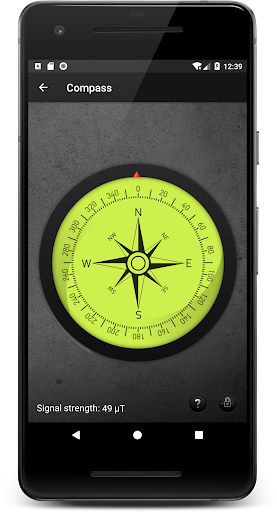
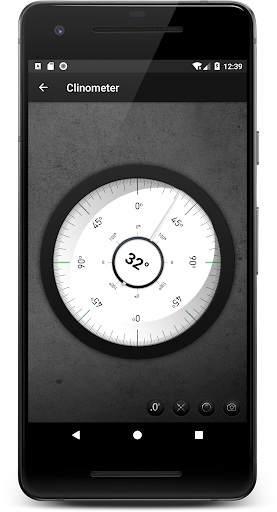
Level Tool App turns an Android phone into a set of basic measuring tools. It can check whether a surface is level, measure the angle of a slope, and show compass direction alongside a bubble level. The app is aimed at people doing household jobs or other practical checks who want a level handy without carrying a separate tool.
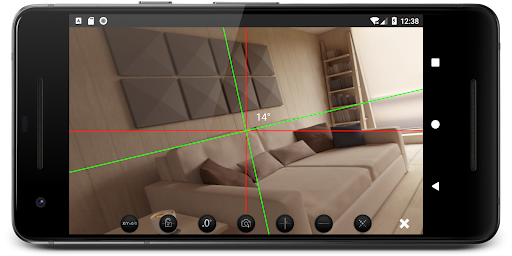
You can use the on-screen bubble level, place the phone on a surface or against its side, or use the clinometer to check an angled line. The camera-based laser view is another option: calibrate it for the surface, then take a photo of the measurement. The app also lets you recalibrate and share measurements.
Phone-based readings depend on how the device is positioned and calibrated, so treat them as a convenient check rather than a substitute for a dedicated measuring instrument when precision matters.
The supplied app details don’t say whether the main tools are free, whether any features require payment, or how advertising affects use. Check the Google Play listing for current information on charges and ads before relying on the app for regular work.
Level Tool App is listed in Tools and is published by Mystic Mobile Apps GPS Tools. It has 100,000+ installs and a rating of about 3.5 out of 5 from 501 ratings. That gives a sense of its reach, but ratings alone don’t confirm how well it will work with your phone or for your particular task.